Zamówienia są zwykle dostarczane do Polski w ciągu 3 dni, zależnie od lokalizacji.
Bezpłatna wysyłka
Bezpłatna dostawa do Polski w przypadku zamówień od 200 zł wzwyż. Koszt dostawy zamówień o wartości poniżej 200 zł wynosi 80 zł.
Incoterms
Wysyłki przedpłacone realizowane przez UPS lub FedEx: DDP (taksy i cła opłacone przez DigiKey).
Wysyłki przedpłacone realizowane przez DHL: CPT (taksy, cła oraz VAT należne w momencie dostawy).
Typy płatności
Konto kredytowe dla kwalifikujących się instytucji i firm
Płatność z góry przelewem elektronicznym
Produkt z platformy handlowej
Więcej produktów od w pełni autoryzowanych partnerów
Średni czas wysyłki 1-3 dni. Mogą obowiązywać dodatkowe opłaty transportowe. Rzeczywisty termin wysyłki można sprawdzić na stronie produktu, w koszyku i podczas finalizacji zamówienia.
Warunki Incoterms: CPT (opłaty celne, cła oraz VAT należne w momencie dostawy)
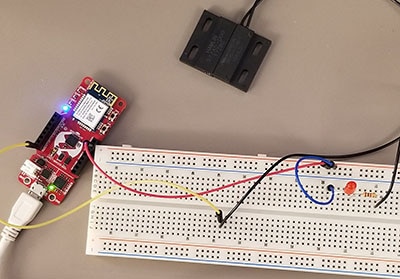
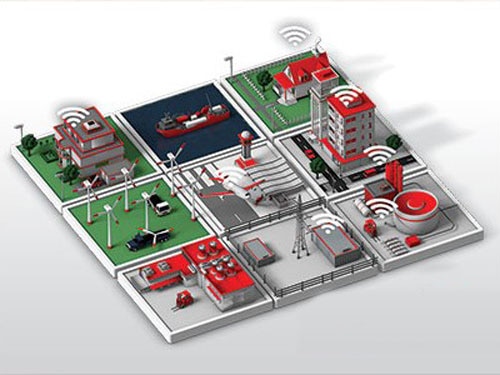
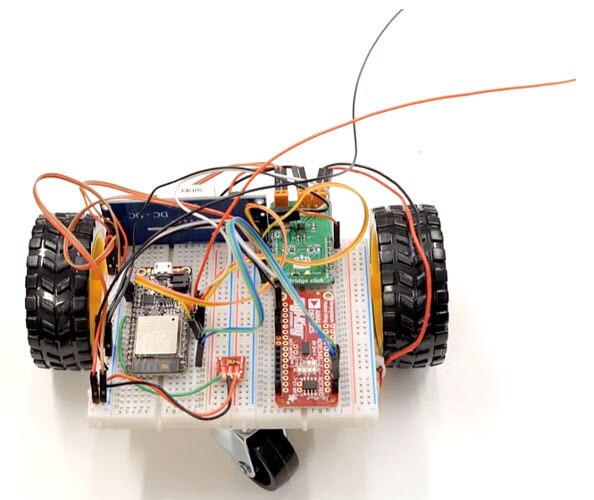
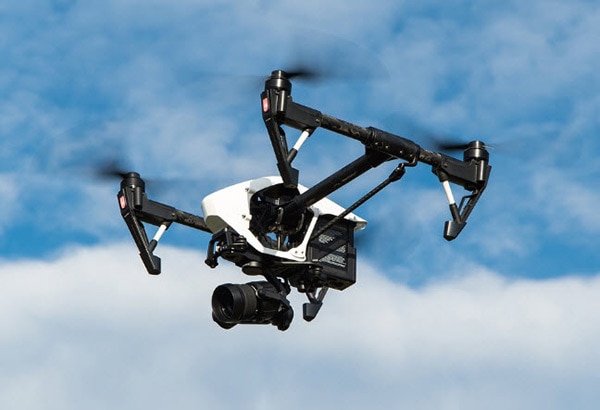
Sometimes you need to have data and instructions sent from the cloud to your project. With the Atmosphere IoT Studio, that is easy to program into any app.
The ST SensorTile and Atmosphere IoT Studio is a perfect match for both sensing and wireless applications, see how it can work with your application today.
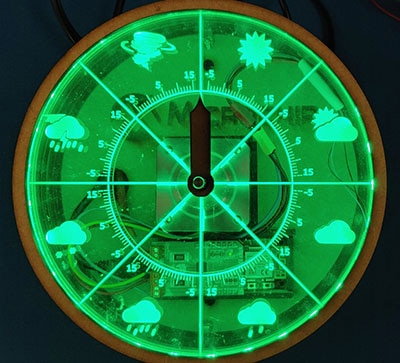
The Pi Weather Shield is a perfect tool for measuring the world around your project, on the move or not, with Atmosphere IoT Studio stay updated everywhere.
Sending data over Bluetooth connection in the Atmosphere IoT Studio Platform.
Wspólne przeglądanie
By using the Co-Browse feature, you are agreeing to allow a support representative from DigiKey to view your browser remotely. When the Co-Browse window opens, give the session ID that is located in the toolbar to the representative.
DigiKey respects your right to privacy. For more information please see our Privacy Notice and Cookie Notice.







 Ustawienia
 Szybka dostawa
 Bezpłatna wysyłka
 Incoterms
 Typy płatności


 Produkt z platformy handlowej





 Polska
Copyright © 1995-2026, DigiKey.
All Rights Reserved.
Warunki
Informacja dotycząca prywatności
Ustawienia plików cookie
Polska
Copyright © 1995-2026, DigiKey.
All Rights Reserved.
Warunki
Informacja dotycząca prywatności
Ustawienia plików cookie